Optimize Internal Business Processes With SMS Messaging
August 9, 2023

Did you know that a whopping 23 billion text messages are sent each day?
Text messaging is an integral part of modern life, which is why businesses have wisely adopted this method of communicating with their customers, employees and contacts. From transaction alerts to verification notices to promotional and special announcements, many companies use SMS to send instant and automatic updates to their customers.
But text messages from businesses are not only beneficial for customers – they can also be a big advantage for employees. After all, texts are instantaneous and can be sent and received over mobile connectivity even without data or the internet, unlike emails. They can help workflows go faster by alerting the relevant parties the very moment they can proceed with the next steps.
The Power of Instant Communication
Here are some of the most common ways businesses can leverage SMS messaging to improve process flow:
Support Ticket Alerts
Text messages can be used to instantly alert relevant users when new work is logged into the system, like a new ticket submission or task assignment. This can be especially useful for time-sensitive asks that require quick action.
Acknowledgment Messages
Through SMS messaging, businesses can notify customers automatically of successful transactions, like payment confirmations, account sign ups, form submissions and more. They can also set it so users can receive confirmation SMS instead of email alerts to notify them faster.
Inventory Reminders
If inventory falls below a set minimum, businesses can create triggered actions to automatically inform relevant users through text. Users can then start the production or procurement process before items go out of stock, minimizing the impact on the business.
Action Reminders
From deadlines to required actions, instant messages can keep the ball rolling on projects and other workflows to reduce the lull between tasks and prevent missed deadlines. Scheduled task reminders are particularly ideal for periodic deliverables like attendance logs for HR, payroll requirements for Finance and others.
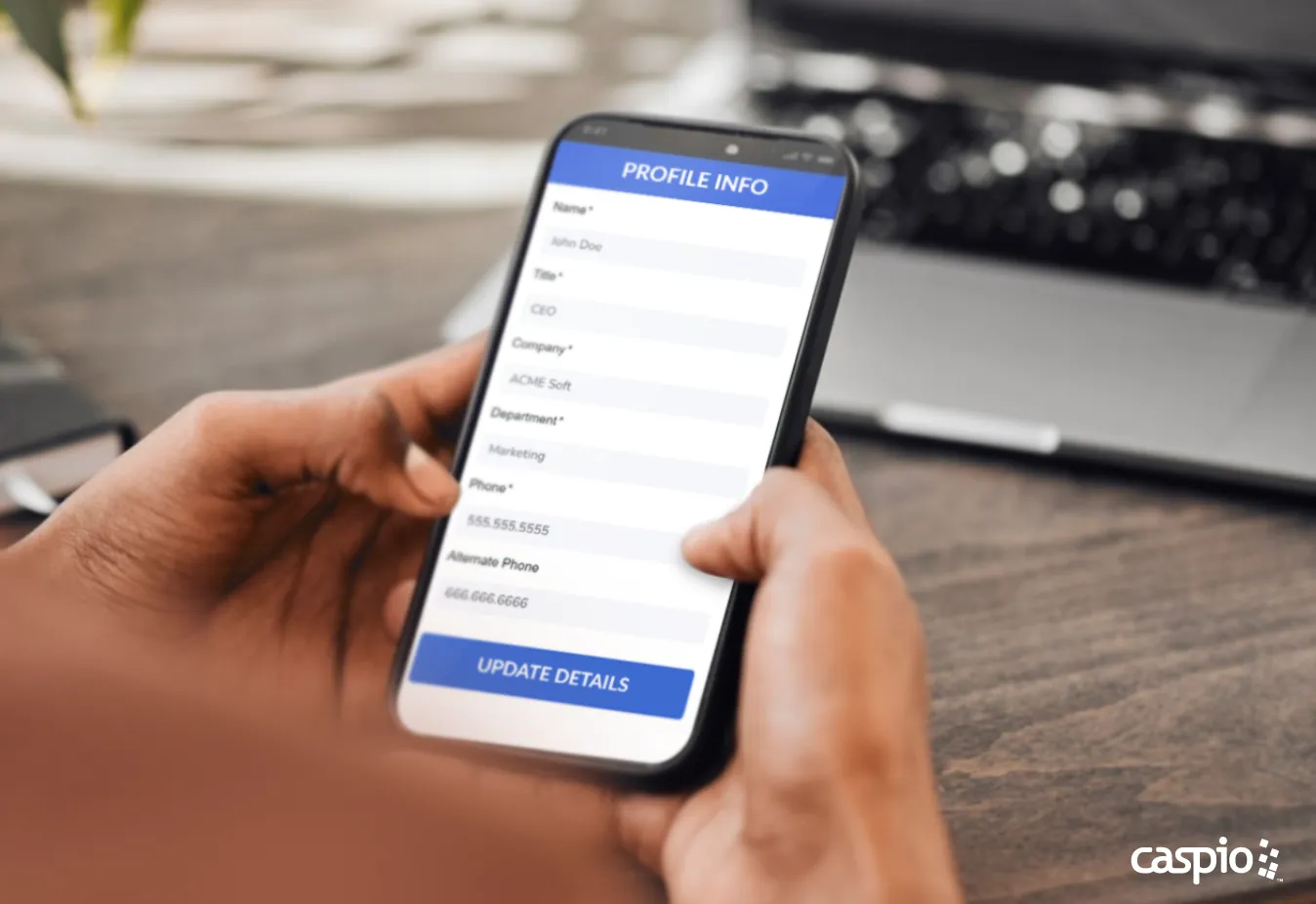
YOU’VE GOT TEXT: SMS messaging can enhance business workflows by immediately notifying employees of their next steps.
Emergency Alerts
Companies can send text messages to all employees to relay instructions in real time and guide them through emergencies. This can range from notices to stay at home instead of reporting to the office, warnings about risks of traveling to on-site locations, data breaches and urgent security actions, emergency points of contact and others. This is especially vital during times when communication lines are severely hampered or when incidents happen outside of business hours.
Humanitarian Drives
Organizations can send SMS messages to support humanitarian relief efforts among their employees during times of calamities and crises. They can send emergency numbers, disseminate evacuation or assistance information and share donation drives and efforts that non-affected employees can support to help their colleagues.
Promotional Campaigns
Lastly, businesses can also use quick SMS alerts to let customers know a bout exciting flash deals. This way, customers can stay in the loop and jump on special offers right away, leading to more engagement and sales. These promotional alerts can likewise be tailored for internal events for employees, like company discounts, limited time rewards schemes and more.
Send a Message with Automatic SMS Notifications
SMS can be a powerful business tool when used properly. By incorporating text messaging into apps and portals, organizations can leverage its advantages to improve their processes.
Caspio can give you this advantage. Contact us today to learn how you can add the element of SMS messaging to your apps and workflows.


Recommended Articles

Secure AI Code Generation: 10-Point Checklist
READ STORY
Best Knack Alternatives (2026): AI and Compliance
READ STORY
How to Build Internal Apps With AI in 2026: 6 Steps
READ STORY
Best Bolt.new Alternatives for Business Apps (2026)
READ STORY
Online Database With a SQL Backend: 7 Questions to Ask
READ STORY
9 Vibe Coding Security Risks in AI-Generated Apps
READ STORY
Build Custom Business Apps Easily: 3 Patterns
READ STORY
Caspio AI Connector Extensions: 5 Jobs for Your Tables
READ STORY
PHI and Caspio AI: Which Features Your BAA Covers
READ STORY
How AI Agents Buy Software, and Why Legibility Wins
READ STORY
10 Questions to Ask Before Connecting AI to Business Data
READ STORY
Add a Role-Aware AI Chat Agent to Your Caspio App
READ STORY
